Login
User log in to Jakamo typically with username and password. Username is always the email address via the user has been invited to Jakamo. In some cases, companies might have SSO (Single Sign-On) implmented in Jakamo. In those cases, only username is needed. In both cases, the internet address for the login is the same: https://www.thejakamo.com
1.1 Sign on with username and email address
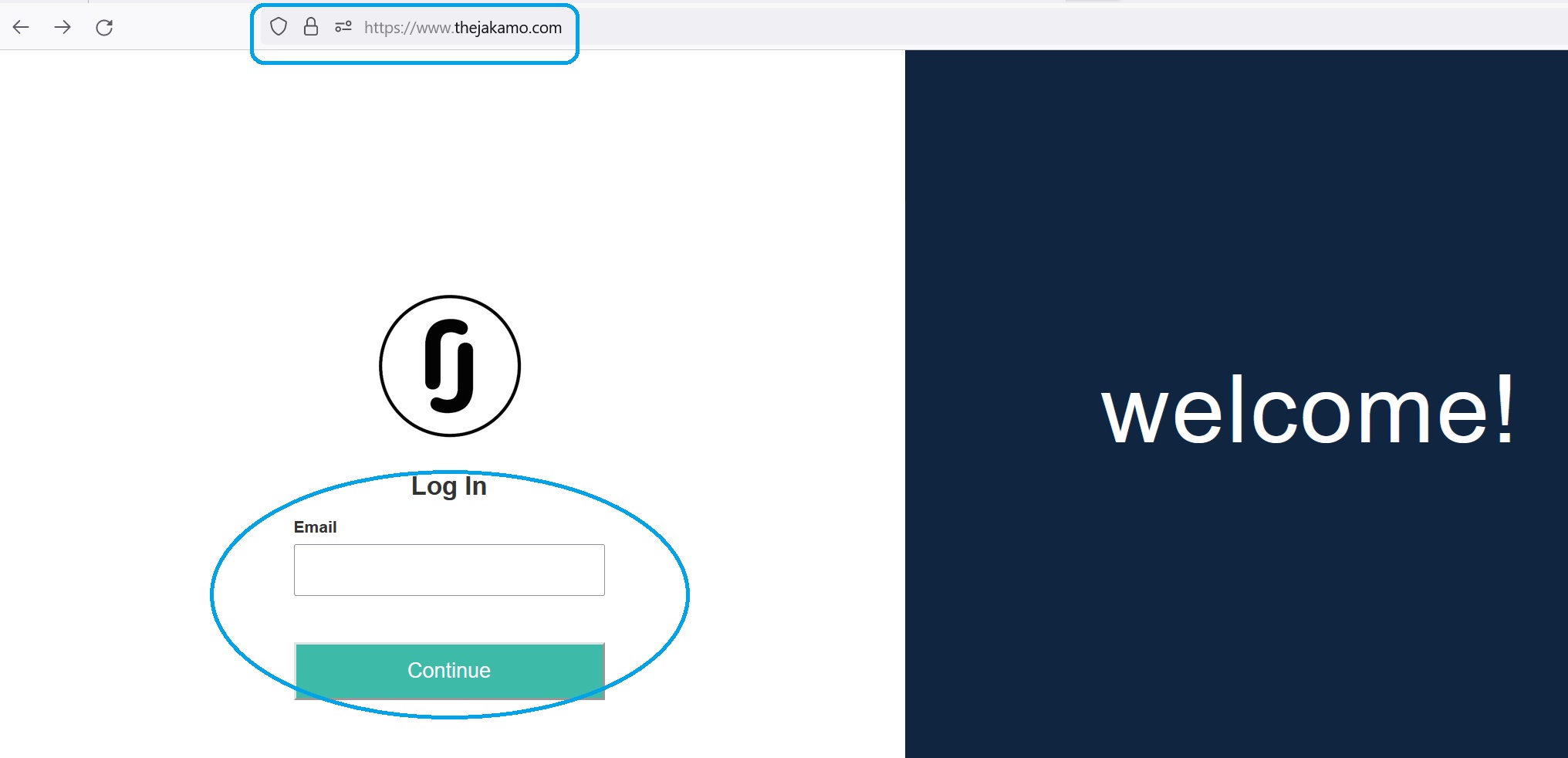
- Navigate to the login address https://www.thejakamo.com
- Type in your username. Username is always the email address you have received the invitation to join in Jakamo.
- Hit
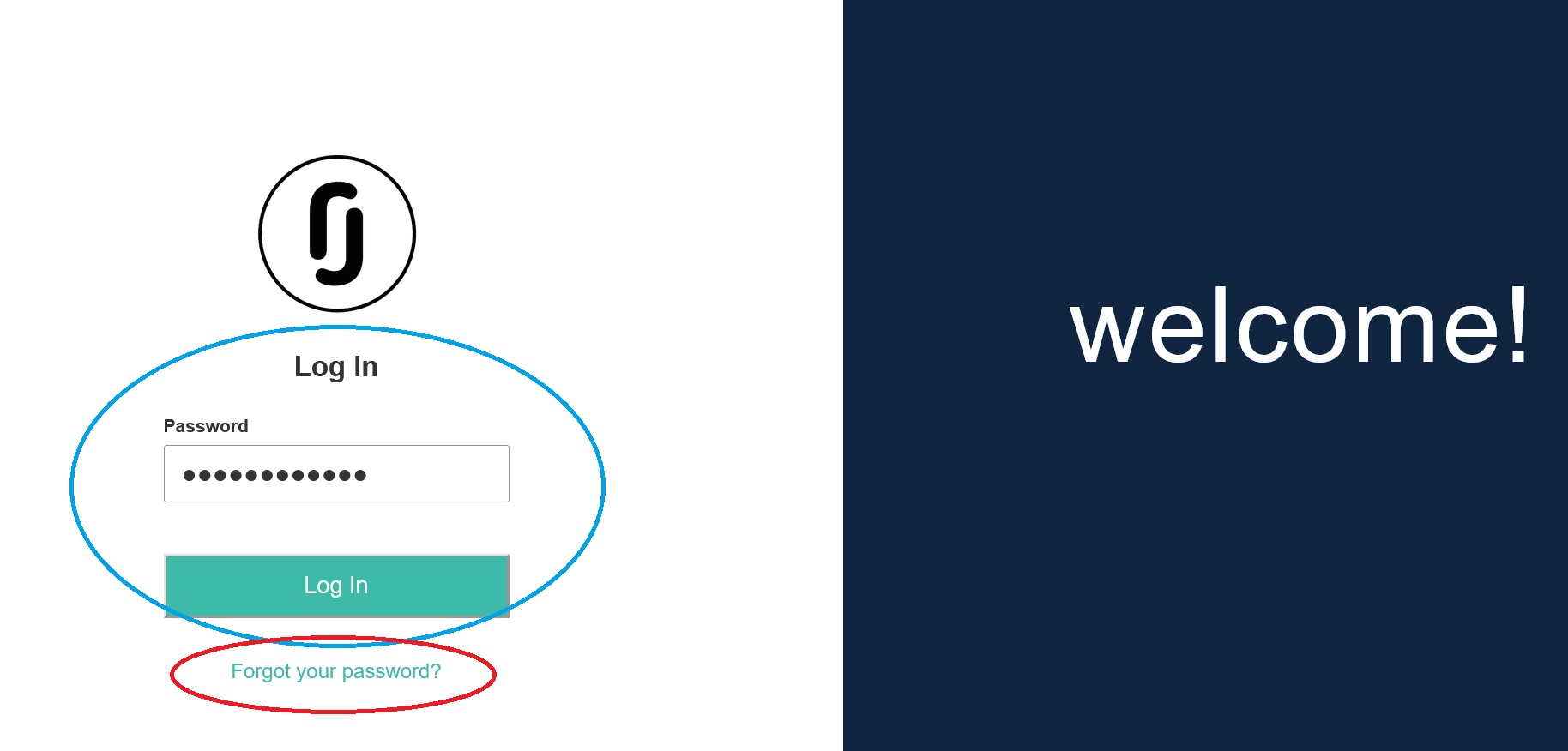
CONTINUEicon. - Type in your password you created when registering to Jakamo.
- Start using Jakamo web interface!
If you have forgotten your password, there is always a Forgot your password link shown in phase 4. Hit the link, and follow the instructions you will receive in your email for changing the password.
1.2 Sign on with SSO
- Navigate to the login address https://www.thejakamo.com
- Type in your username. Username is always your email address.
- Hit
CONTINUEicon. - Start using Jakamo web interface!
1.3 Signing in with only one name
Some identity providers only send a single name for a user, for example a company-wide display name instead of a separate first and last name. This is common for users in parts of Asia and elsewhere.
Jakamo now accepts this. The first time you sign in with SSO, Jakamo will use whichever name your identity provider provides to set up your account:
- If only a first name is provided, your last name is set to match it.
- If only a last name is provided, your first name is set to match it.
- If your identity provider only provides a single display name, both your first and last name are set to that value.
You can update your name afterwards in your profile settings if needed.
Didn't you find what you were looking for? Send an email to Jakamo support (support@thejakamo.com) and we will help you.